Received SMS
This service is available only on the territory of Ukraine
On this tab you can view the SMS received over a given period, and export them to an xlsx file.
To open this tab, select SMS → Incoming SMS in the side menu and go to the RECEIVED SMS tab.
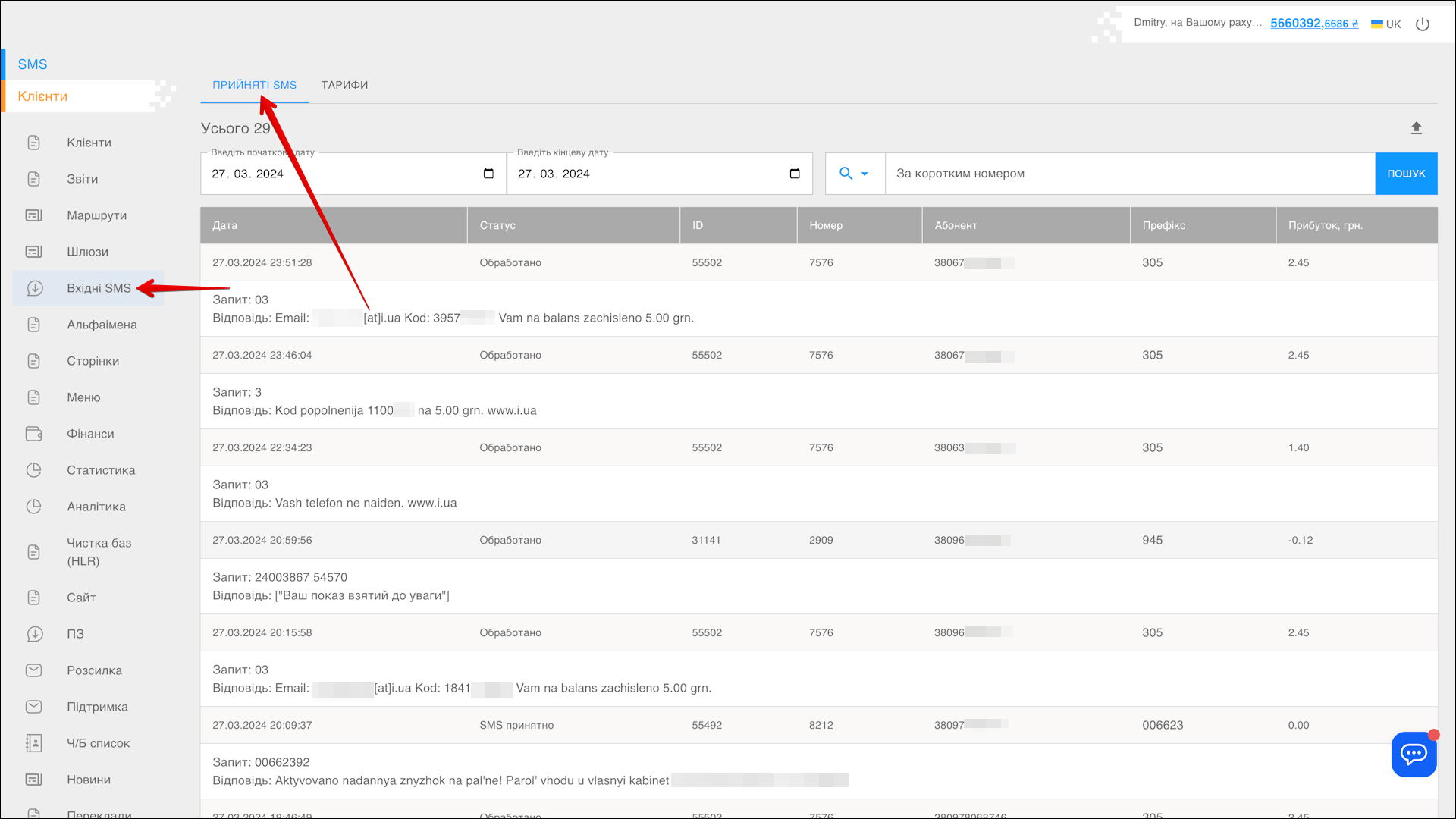
Selecting a period
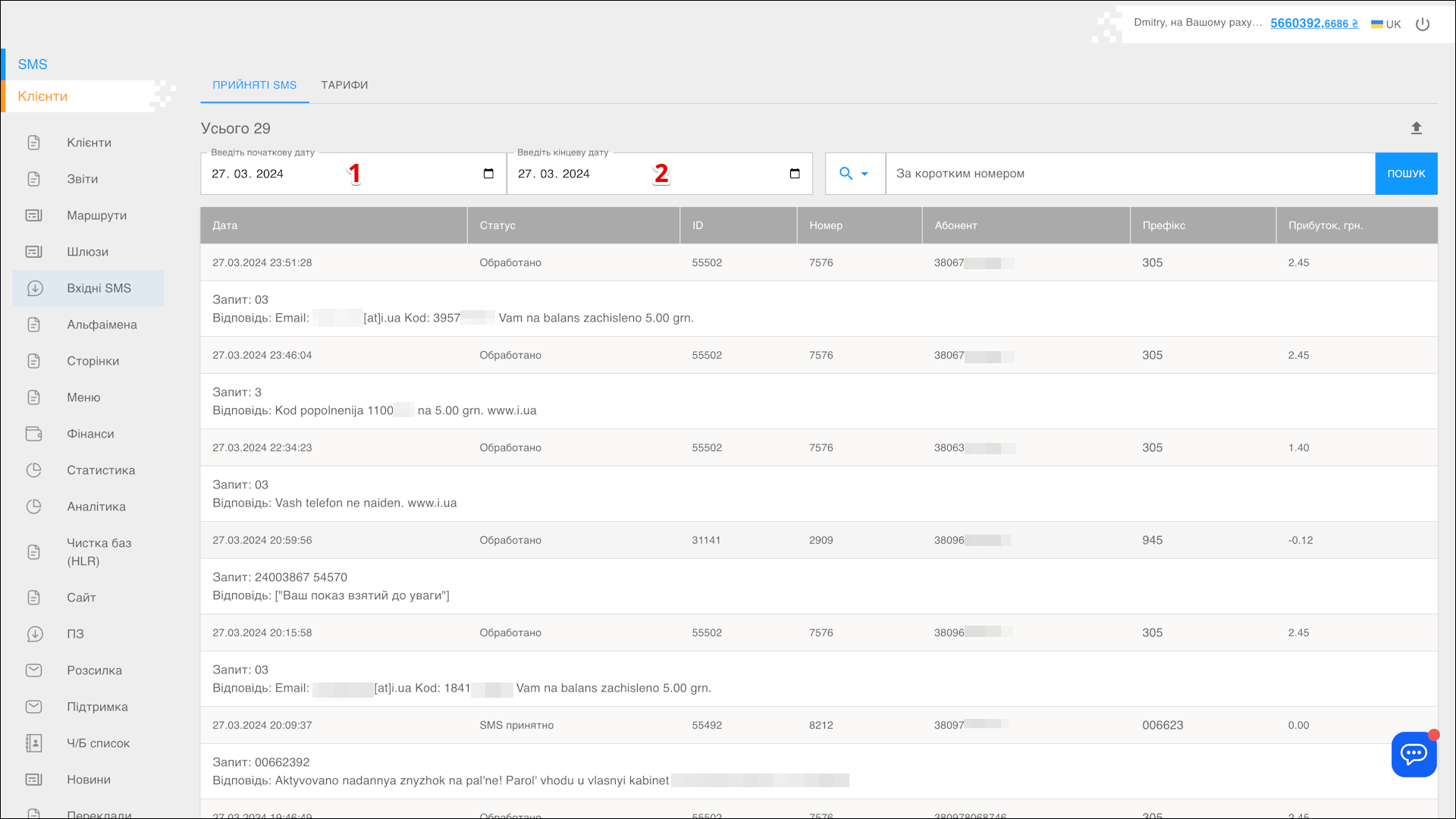
To select the Period for which you want to display the received SMS, follow the steps below:
| № | Action |
|---|---|
| 1 | Enter the Start date. You can type the date manually or pick it in the calendar — click the Calendar icon on the right side of the field |
| 2 | Enter the End date. You can type the date manually or pick it in the calendar — click the Calendar icon on the right side of the field |
After the date is selected, the page reloads and displays the SMS received in the specified period.
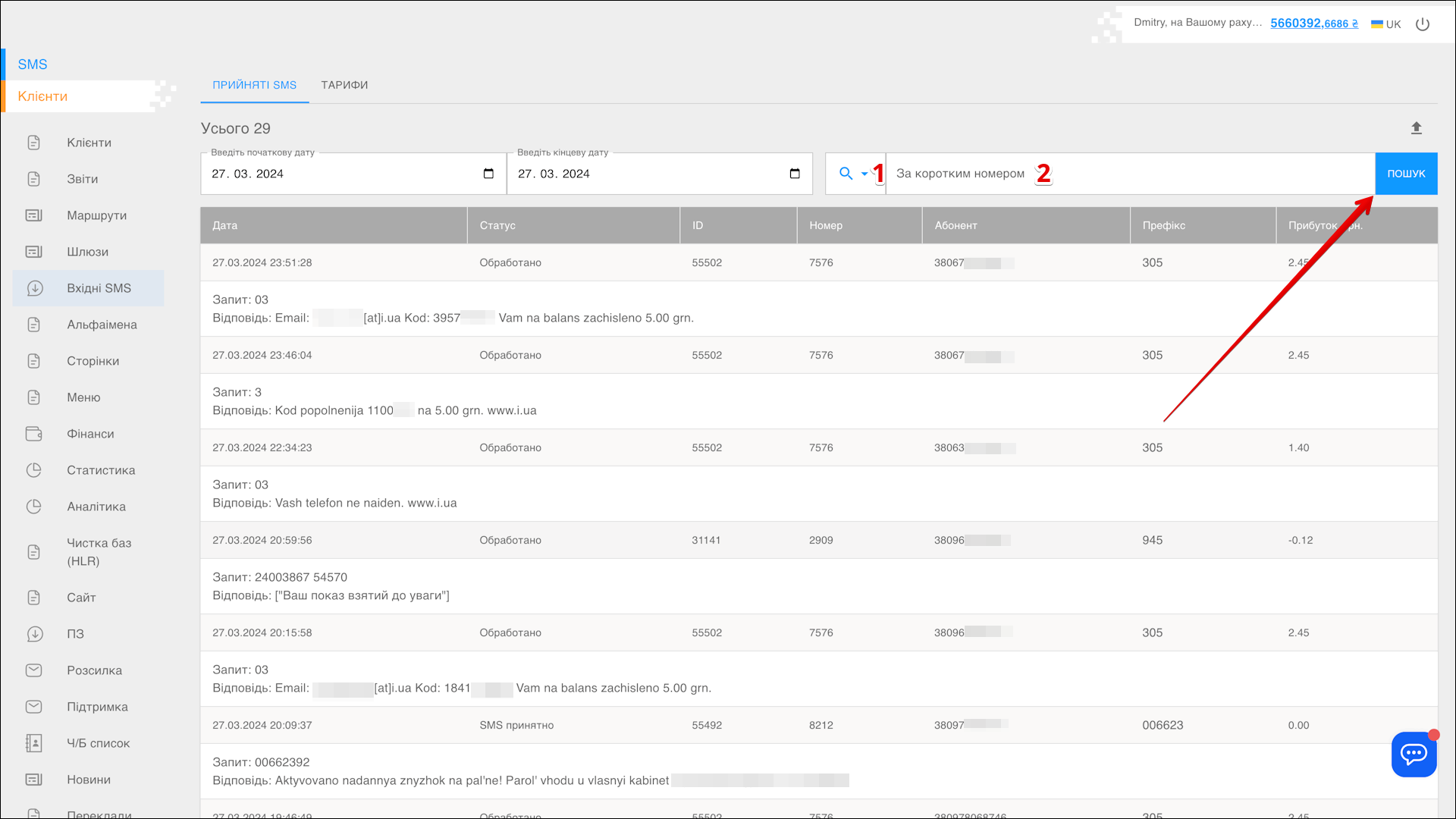
Search
You can also find specific SMS by Short number. To search for SMS, follow the steps below:
| № | Action |
|---|---|
| 1 | Specify the search parameter: |
| 2 | Enter the Parameter value to search for the SMS |
Then click SEARCH — the page reloads and displays the SMS matching the specified parameters.
Exporting a report
The report has to be generated before it can be saved — click the Export button icon to the right of the SEARCH button.
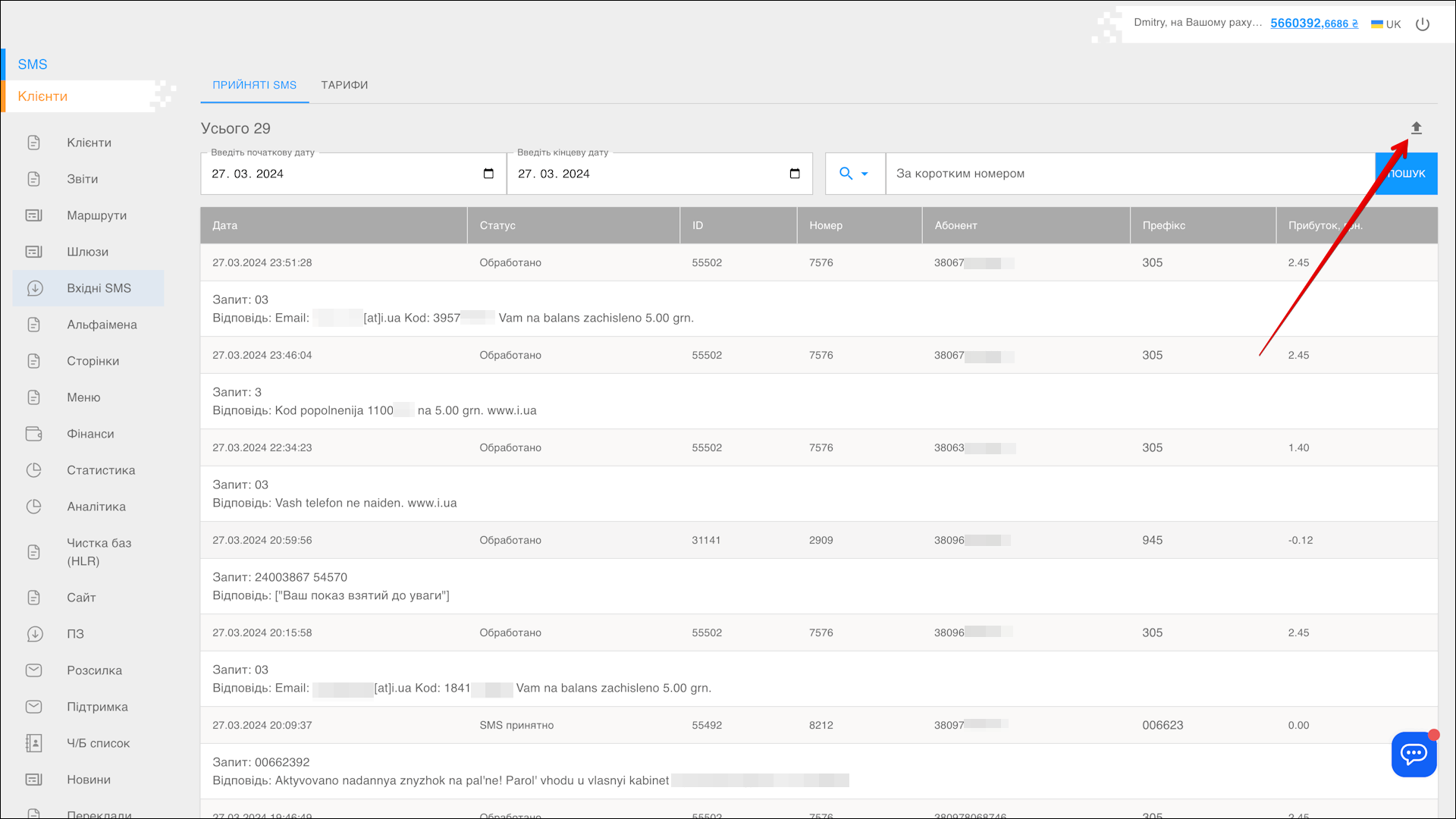
After a while the report is generated and can be downloaded by clicking the DOWNLOAD button icon.
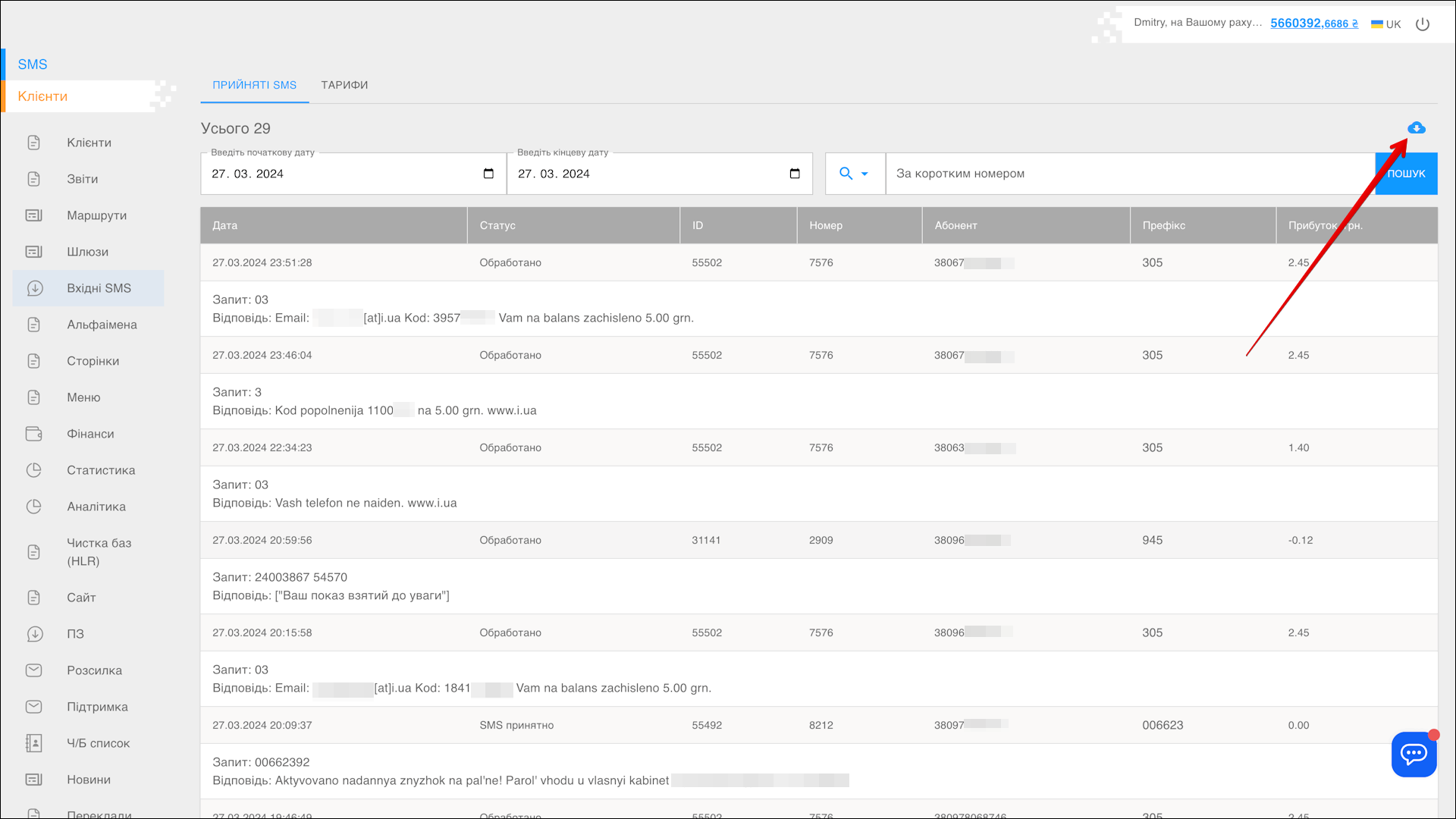
The report is saved on your device in .xlsx format.
List of received SMS
All received SMS are placed in the table on the RECEIVED SMS tab.
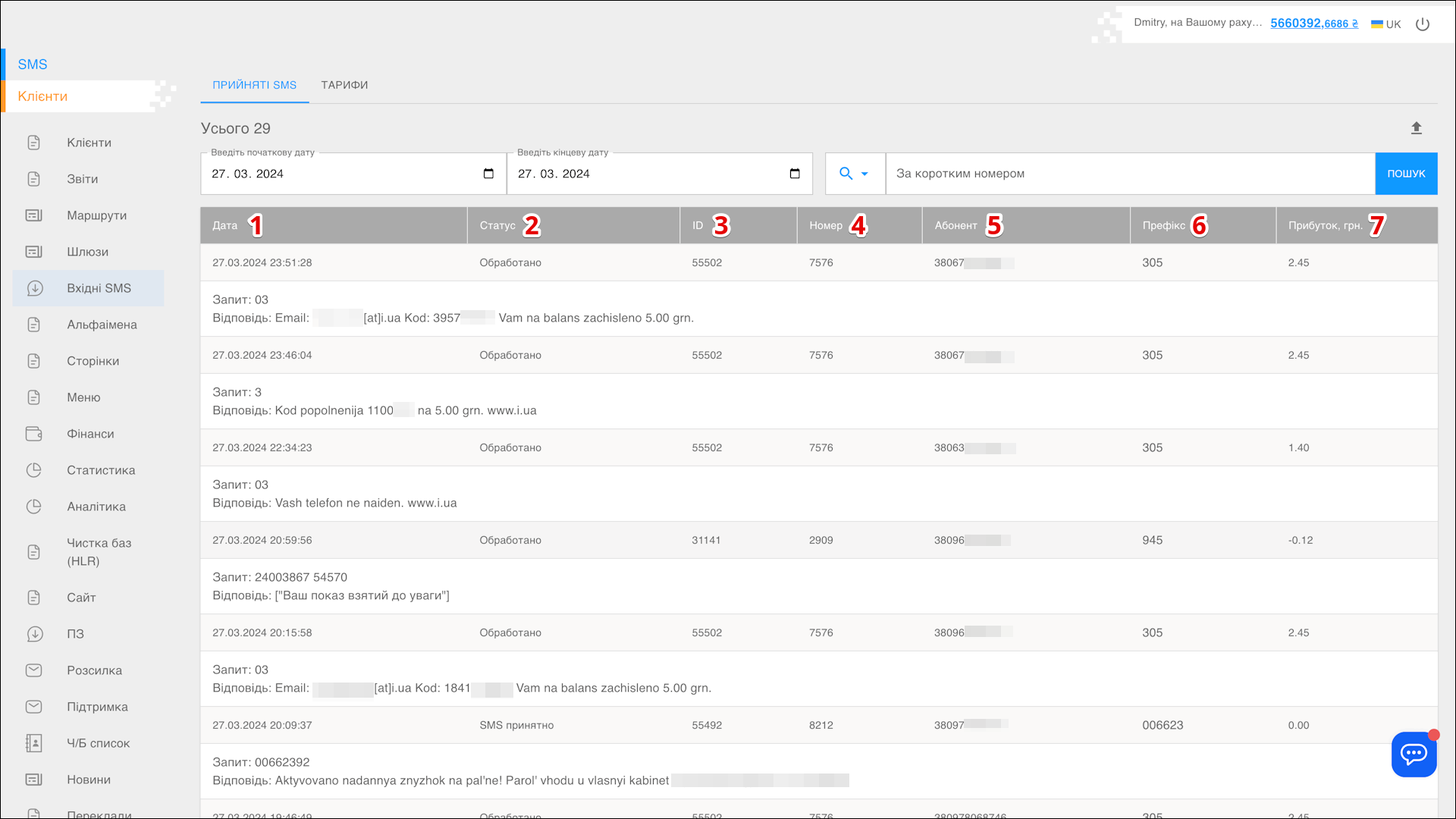
| № | Column | Description |
|---|---|---|
| 1 | Date | Date the message was received |
| 2 | Status | Current status of the message |
| 3 | ID | Unique identifier of the message |
| 4 | Number | The number the message was received on |
| 5 | Subscriber | Number of the sender of the message |
| 6 | Prefix | Prefix of the number |
| 7 | Profit | - |