The black list
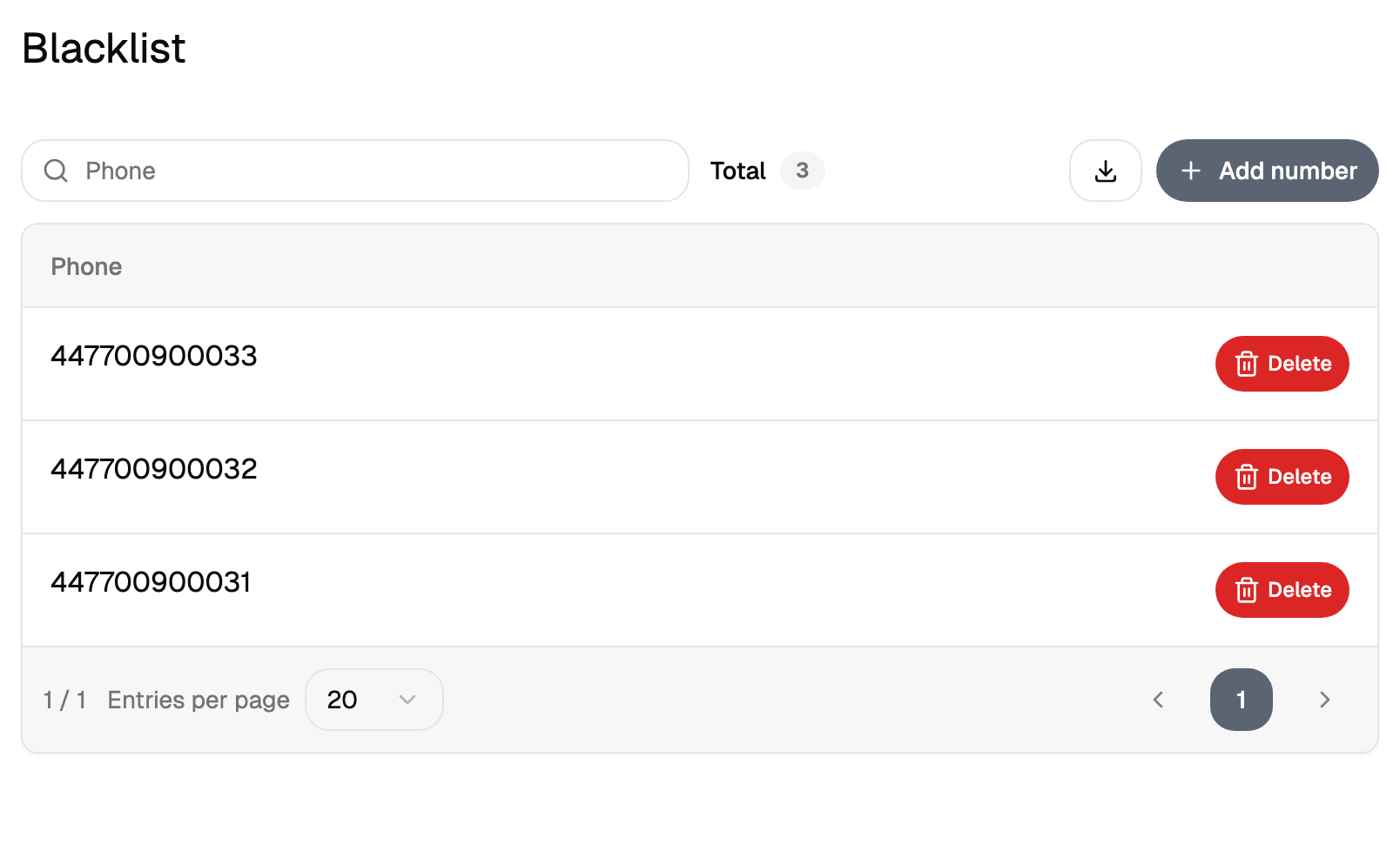
Screen: Black list, address /settings?tab=black-list. It lives in the settings, next
to the rest of the account settings, and it is one list for the whole cabinet.
What it is for
A number in the black list receives nothing from you: Blackbox Business keeps every message away from it, whichever book or campaign it comes from. This is where a person goes after asking to be left alone.
Adding numbers
Numbers are added as a list, one per line, or uploaded from a file — the same way contacts are. The list can be searched and exported.
What happens to a message for such a number
This is the part worth knowing before you read the reports.
| What happens | What it looks like |
|---|---|
| The number stays in the campaign | It is among the recipients, listed like everyone else |
| The message stops here | The subscriber receives nothing |
| The message is free | The money stays on the balance |
| The recipient counter keeps its figure | The campaign still names that many recipients |
So a campaign that has black-listed numbers in it shows the full count of recipients and charges for the messages that went out.
The contact stays in the address book
Adding a number to the black list leaves it in your books, and a number can be in the list without being in any book at all. These are two independent lists: one says who your contacts are, the other says who must not be contacted.
Removing a number from the black list makes sending to it possible again, and everything else stays as it was.