The state of the account
Screen: Balance, address /finances/summary.
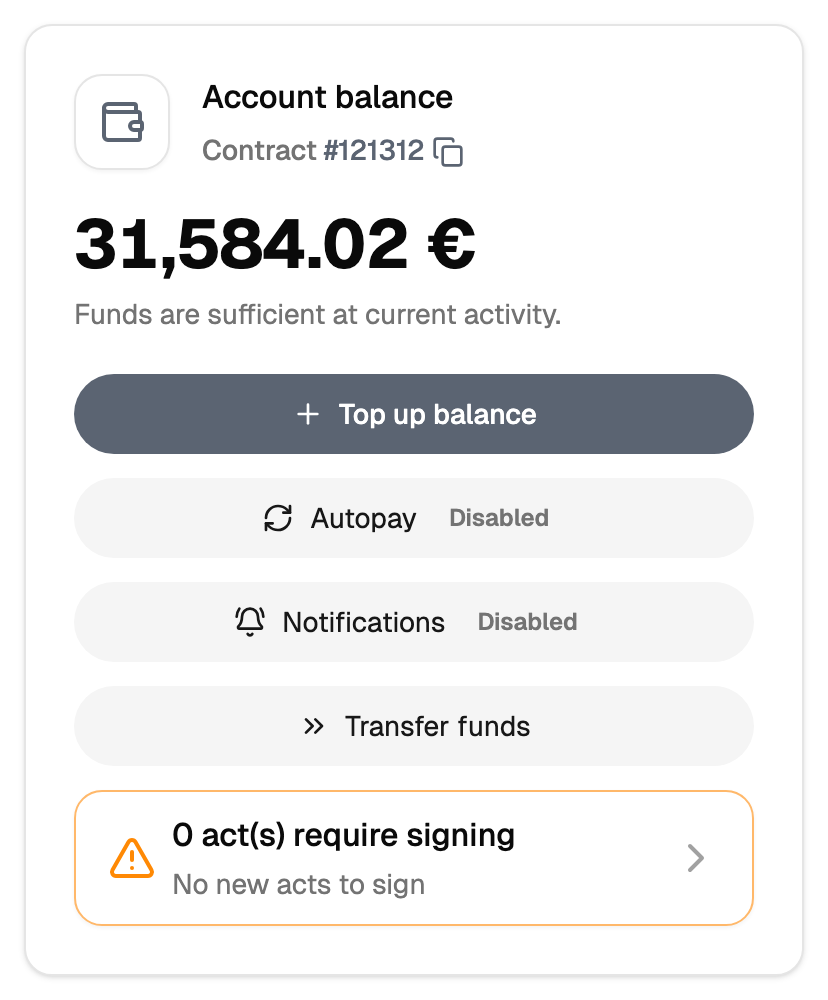
Three different numbers
| Number | What it means |
|---|---|
| Balance | The money on the account |
| Credit limit | How far below zero the account may go |
| Reserve | Money set aside for a particular channel |
The credit limit is why a balance of zero still lets you send. Sending continues while the balance together with the limit covers the cost. The size of the limit is set by your manager, and the current value is on this screen.
The reserve works the other way round: it is money held for a channel, so it stays out of ordinary sending. It is shown here so you can see how much is held.
Limits, prices and the set of available options are tuned to your account. This documentation gives the meaning rather than the figure: the current value is always shown on the screen, next to the field it applies to.
How long it will last
The screen shows an estimate of how long the balance lasts. It is arithmetic over your recent spending: it follows the pace you have been sending at, so one large campaign changes the picture at once.
The low balance notice
You can ask to be told when the balance falls below a threshold you set. The threshold lives in the profile settings.
This is the warning that reaches you in advance, and it is worth setting up once: you learn about a thin balance while there is still time to top up, rather than at the moment a campaign asks for the money.
Movement of money
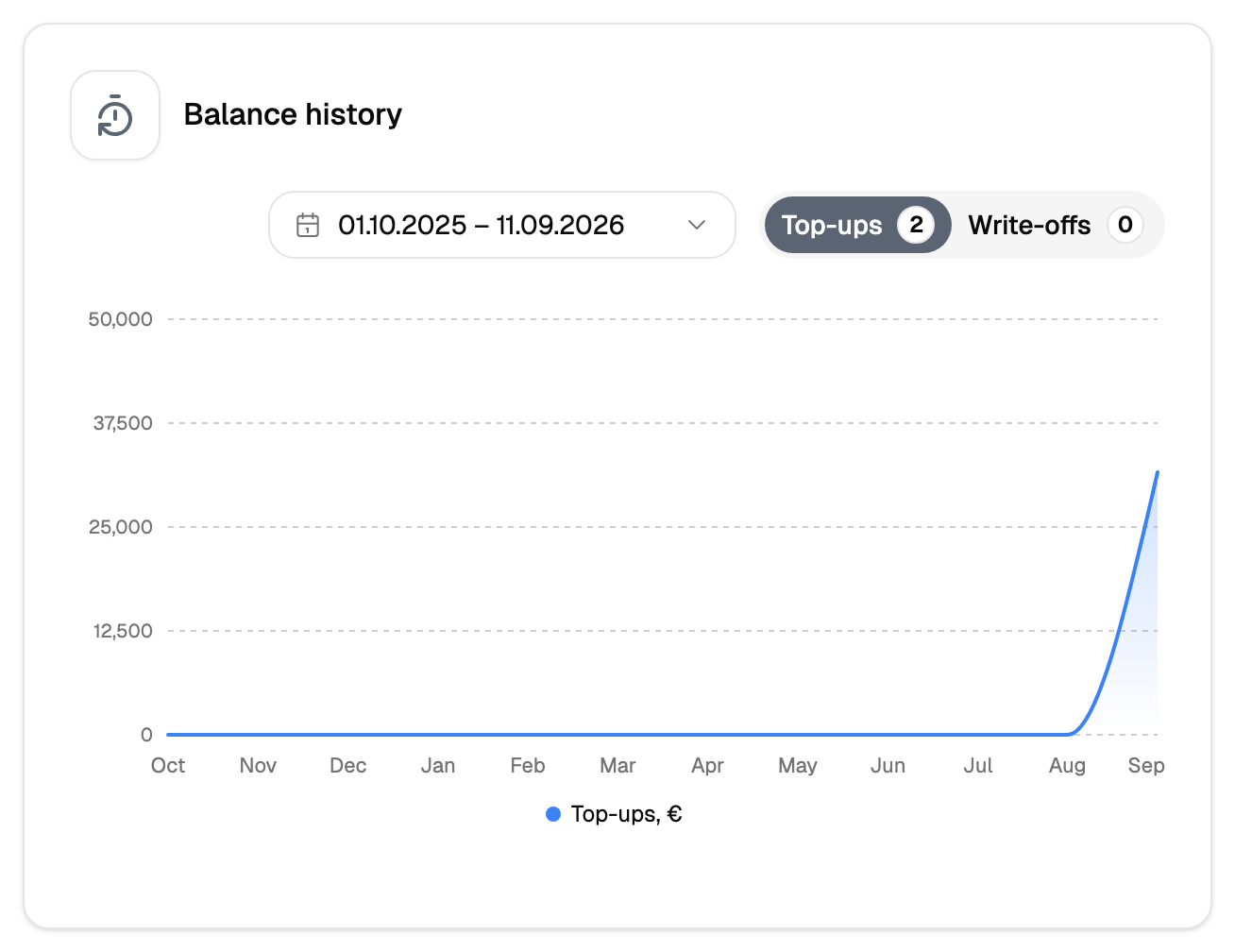
The last operations are shown here so you can see where the money went without leaving the screen. The full history with filters and export is a separate screen, the financial report.
What is duplicated in the header
The balance in the top right corner of the cabinet is the same number as here. It is there so you do not have to open this screen to check it.