Columns and variables
A column of an address book is what turns one text into a personal message. This page is about how columns work, and that explains almost every surprise with them.
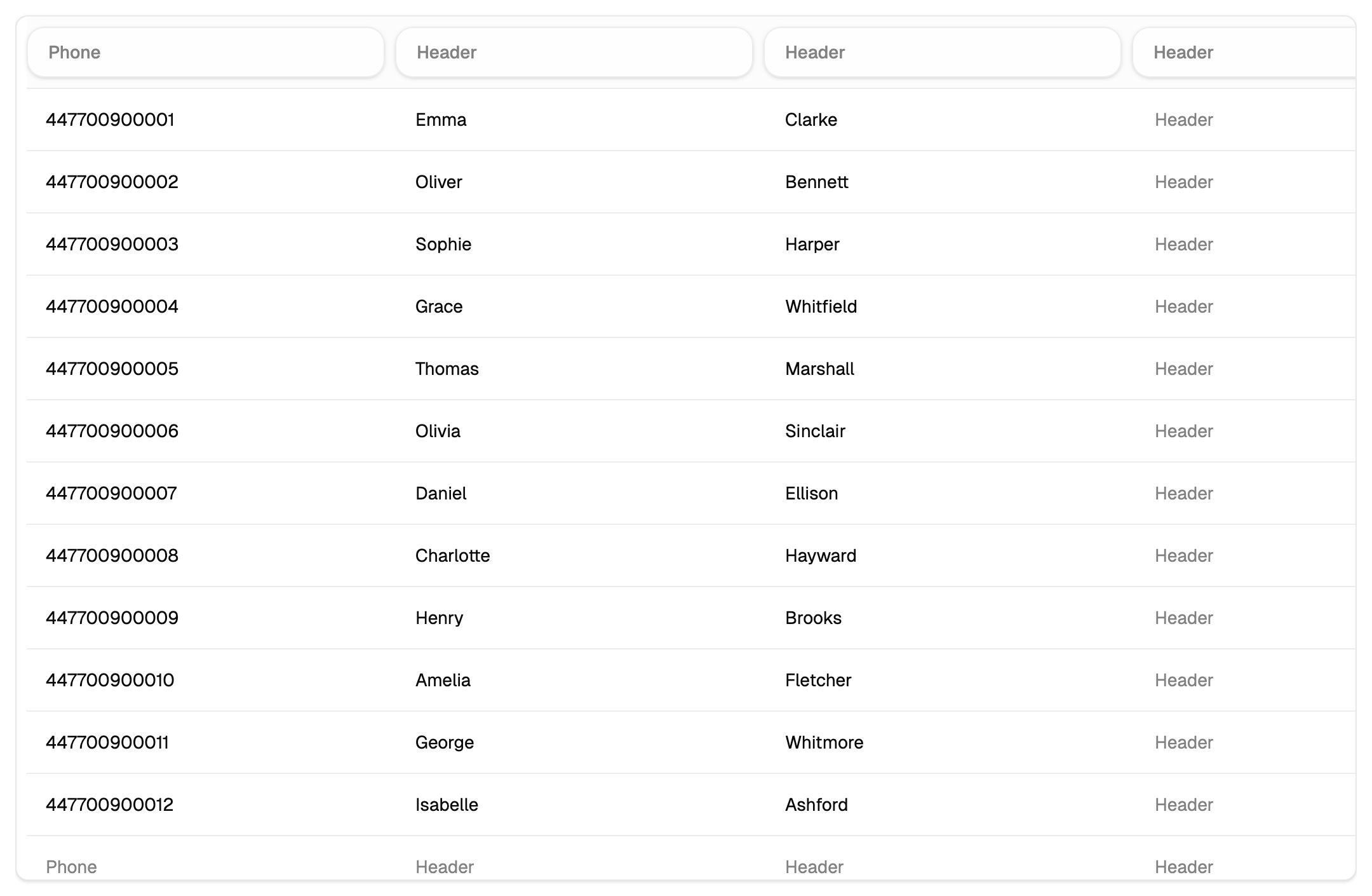
Columns are positions, names are captions
A row of a book is a list of values by position, and the name of a column is the caption over one of those positions.
Two things follow from that.
- Renaming a column changes the caption; the values go on as they were.
- Moving a column, or deleting one in the middle, shifts the positions after it. The values stay where they were, and the captions above them now belong to other positions.
The first column is always the phone number, and it keeps that place.
Variables
In the message text, {1}, {2} and so on are replaced by the values from the columns, by
the same position. Numbering follows the columns, and since the first is the phone number,
substitutions begin from the second.
Variables come from a book, so they work wherever the recipients come from one: a campaign or a scheduler job.
The message goes out with nothing in place of the value — "Hello , your order is ready" is what a missing name looks like. Look down the column you substitute from before the campaign, and fill in what is missing.
The date column for the scheduler
The scheduler needs a column holding the date of the event — a birthday, an appointment, an expiry. Every day it compares that date with today plus the offset you chose, and sends to whoever matches.
So a job reaches exactly the people whose date has come up. If a job runs day after day and reaches nobody, the date column is the first place to look: the book needs one, and the cells in it need dates.
What the column order affects
Campaigns and jobs already written keep their {2} and {3}, and after a reorder those
numbers point at other values — a text that named the person will name the city, and it
goes out that way.
So a reorder comes with one more step: reread the texts of your scheduler jobs and renumber the variables to match the new order.