Creating a book and adding contacts
Screen: Add contacts, address /address-book/add-new-contact.
Two ways in
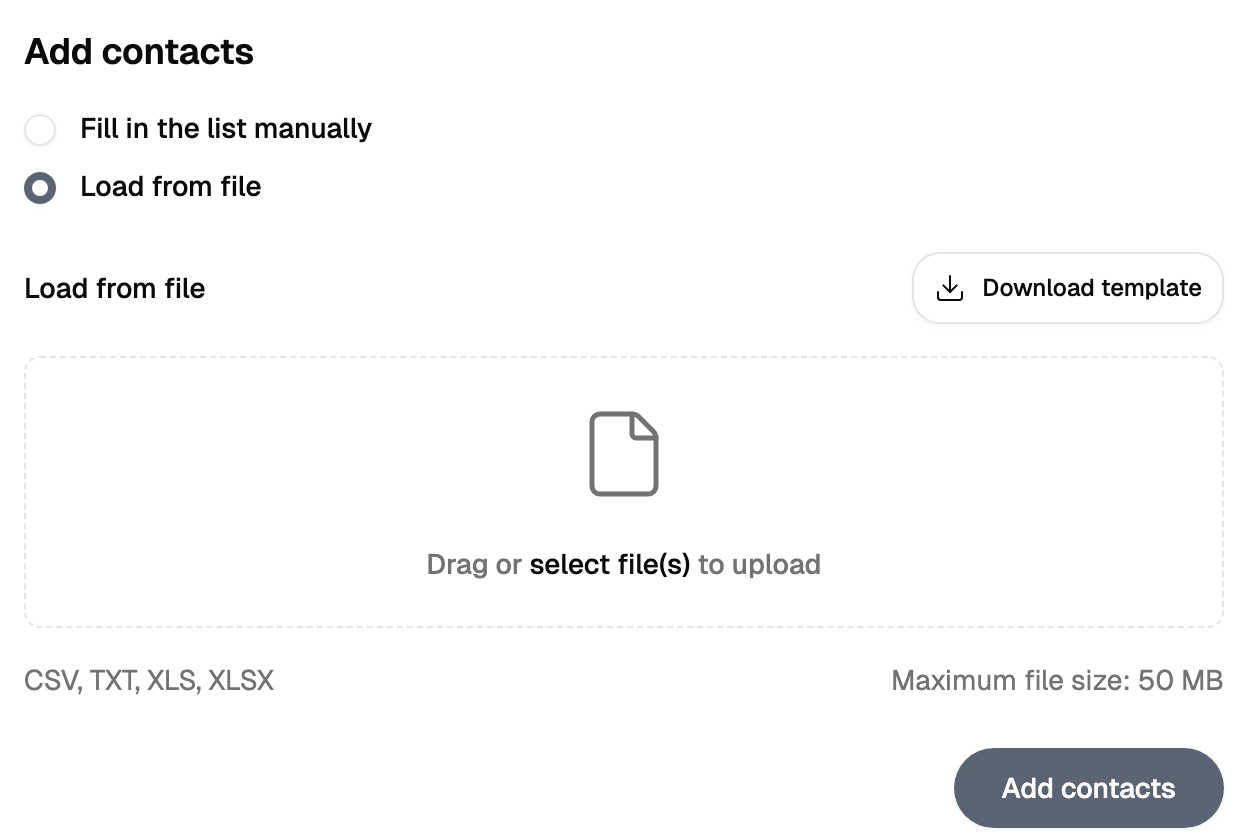
Contacts are either typed in or uploaded from a file. Both ways go through the same steps and finish in the same place.
By hand — one number per line. A line may carry other values as well, separated the way the form says; the first value is always the phone number.
From a file — a spreadsheet or a delimited text file. A template can be downloaded from the same screen, and starting from it is the shortest way to have the columns line up by themselves.
Where the list is saved
The additional-fields step, where you name the columns and check the preview, is the save point. Up to that moment the list lives in the browser, so go through the step and press save in the same visit — after that the book is in the cabinet and the tab is free.
The upload before it already looks finished: the file is read, the rows are shown, the numbers are counted. All of that is the draft you are about to save.
Skipped rows
When the import finishes, the result says how many rows were skipped and shows a few examples. Those are rows whose first value was read as something other than a phone number.
The number is worth acting on: correct those lines in the file, import it again, and the people behind them are in the list. How a number should be written is on the number format page.
Adding to a book that already exists
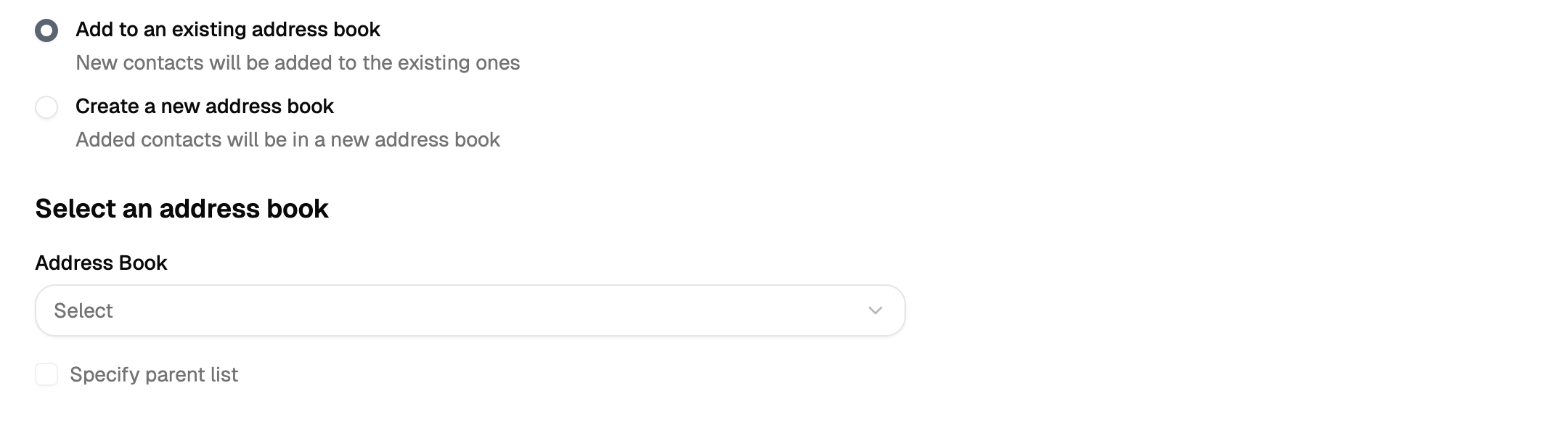
The same screen adds contacts to an existing book instead of creating one — the book is chosen at the first step. Columns of the file are matched to the columns of the book by position, so keep the file in the same column order as the book and every value lands in its own column.