Topping up the account
Screen: Top up balance, address /finances/topup. The methods open to you are on the
screen; a bank transfer against an invoice is described below.
Limits, prices and the set of available options are tuned to your account. This documentation gives the meaning rather than the figure: the current value is always shown on the screen, next to the field it applies to.
A bank transfer
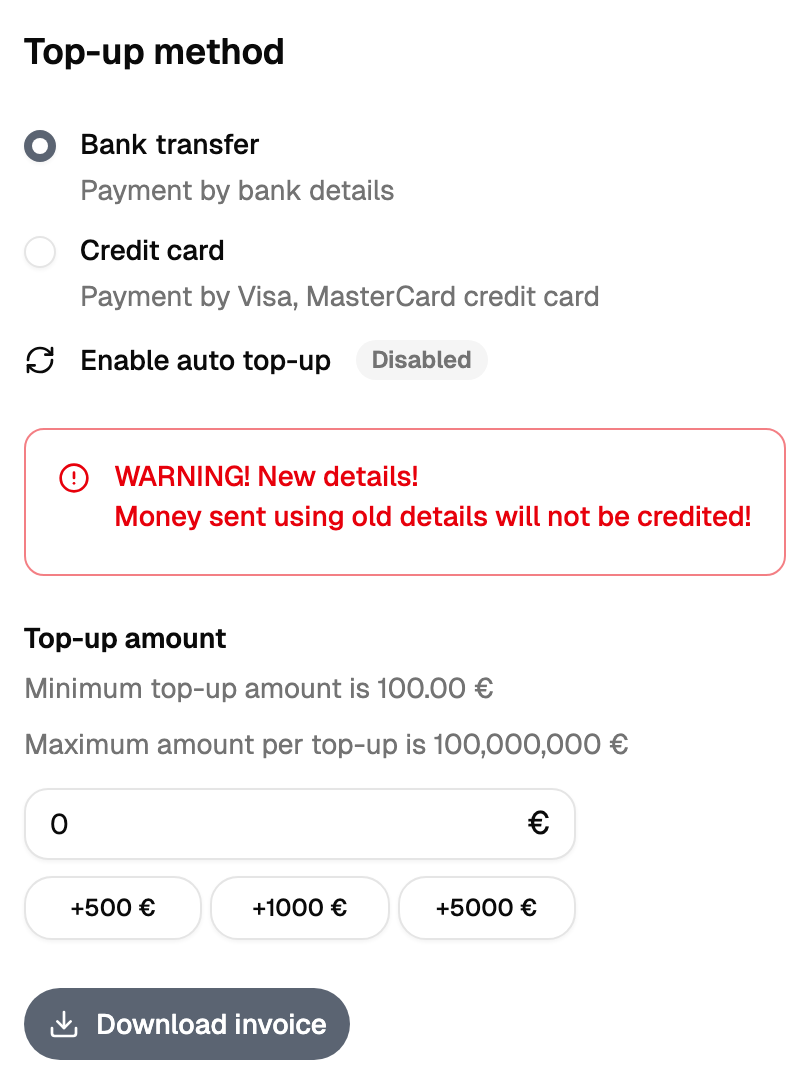
| № | Action |
|---|---|
| 1 | Enter the amount |
| 2 | Choose the contract and the details the invoice is issued against |
| 3 | Generate the invoice |
| 4 | Download the PDF and pay it at the bank |
If the file takes a moment, the screen says it is being formed. Wait, and it appears in the list of invoices.
The balance changes when the money reaches the account and is matched against your invoice, and that happens once the bank statement arrives. Until then the cabinet shows the previous balance.
The payment result screen
A payment method that takes you out of the cabinet brings you back to a result screen. The screen reports what the payment gateway said, and that is a different thing from money on the balance.
"Success" in the browser means the gateway accepted the payment. The balance changes when the money arrives, which may be later, and the reliable place to check is the financial report.
Where the invoice goes afterwards
Every generated invoice stays in the list of documents, and it can be downloaded again from there. Nothing needs to be saved on your computer at this step.