Registering a sender name
Screen: Sender ID, address /create-sms/alphanames. The same screen is in the settings
menu under Sender ID.
The sender name is what the recipient sees in place of a phone number. It is the first thing to set up on a new account: the send forms offer the names that have been approved.

Registering
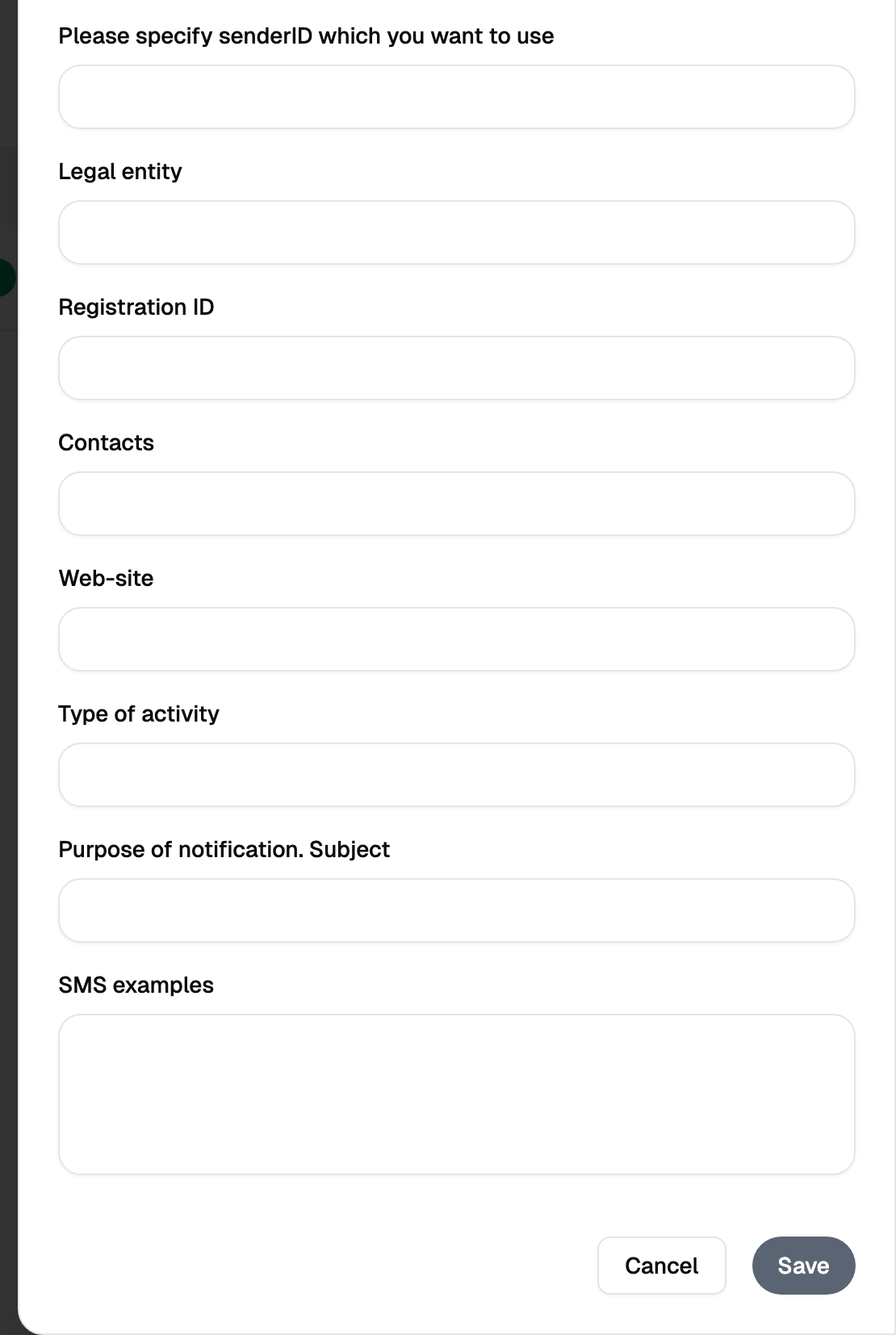
The name itself is short: the length allowed is shown next to the field. Under it the form collects what the check needs — legal entity, tax number, contacts, website, type of activity, the subject of your messages and examples of their texts.
The questionnaire is not bureaucracy for its own sake: the name is checked by people, and by the operators, and the answers are what they check against. A name that promises one subject and is used for another is what gets a name revoked.
Limits, prices and the set of available options are tuned to your account. This documentation gives the meaning rather than the figure: the current value is always shown on the screen, next to the field it applies to.
Waiting for approval
Approval takes time: the name goes to people and to the operators. Until they answer, the name waits in your list; once it is approved, it appears in the send forms and messages go out under it.
A name approved for Blackbox Business stays with your account: register it once, and it is in the list in every send form.
Where the name is chosen, and where it is typed
The send forms are not the same in this respect, and the difference matters.
| Form | The sender name |
|---|---|
| Bulk campaign | Chosen from the list of approved names |
| Single message, quick send | Chosen from the list, and can also be typed in |
Typing a name in is not a way around approval: an approved name is what goes out, and the check happens a few seconds after you press send.
Editing and deleting
An existing name can be edited: the questionnaire answers stay open, and the name itself keeps the spelling it was approved with. For a different name, register a new one.
Deleting removes the name from your list. Messages already sent under it keep their sender in the reports: deletion does not rewrite the past.