Paying by card
Screen: Top up balance, address /finances/topup, the card method.
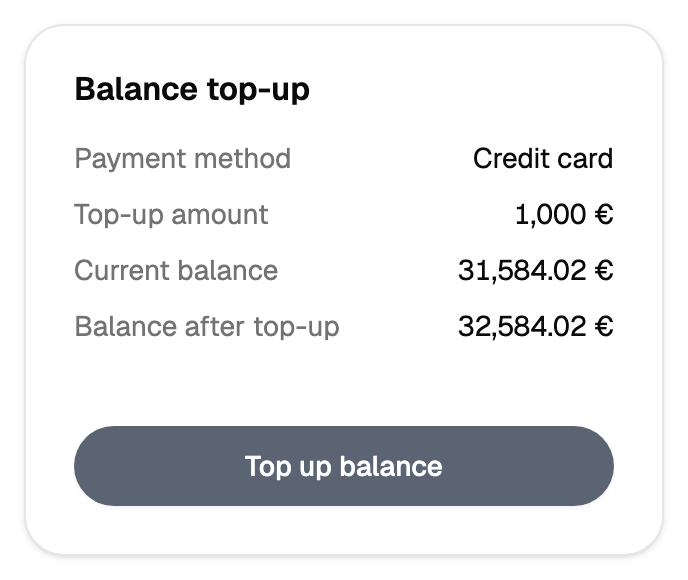
Two ways it can look
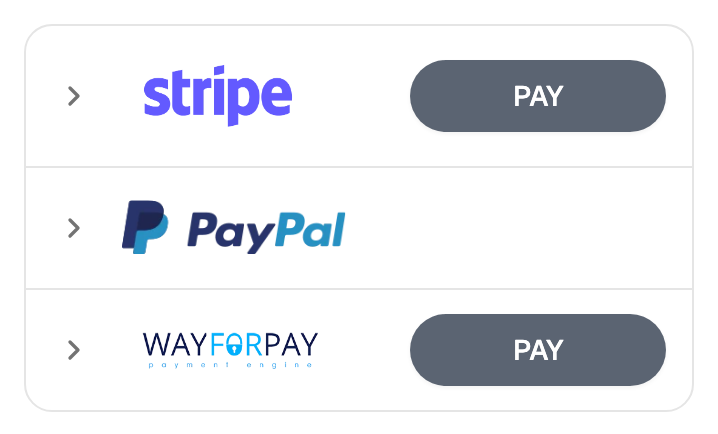
Which one opens depends on the gateway that handles the payment, and both are normal.
- A form inside the cabinet. The card details are entered on the page, and you stay where you are.
- A jump to the bank. The cabinet hands you over to the gateway's page, you pay there, and it returns you to the result screen.
Commission and limits
The commission and the bounds on the amount belong to the gateway. Both are shown next to the amount before you confirm, so you see the final figure while you can still change it.
Limits, prices and the set of available options are tuned to your account. This documentation gives the meaning rather than the figure: the current value is always shown on the screen, next to the field it applies to.
When a payment stays in processing
A payment that is neither completed nor declined is still with the gateway and the bank, and the cabinet shows their answer as soon as it arrives. Press the button once: a second attempt can go through as well, and then the card is charged twice.
Wait, then look at the financial report. If the gateway shows the payment as completed and the report has yet to show it, write to support with the payment identifier from the gateway.
The border with the balance
The same rule as everywhere on this screen: the gateway saying "paid" and money on your balance in Blackbox Business are two different events. The report is the place that answers the second question.