Transactional Viber templates
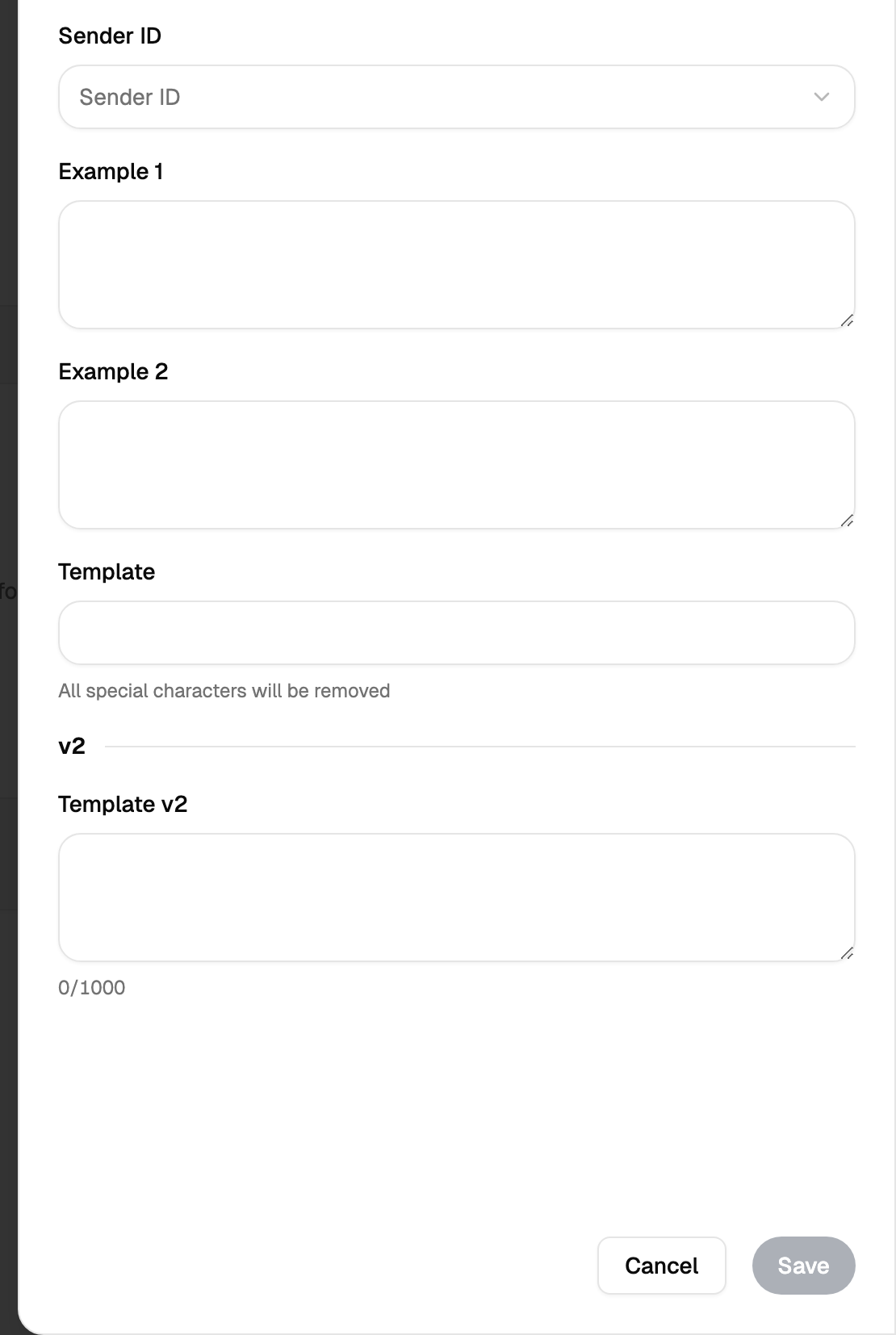
Screen: Viber templates, address /templates/viber.
This is not a saved text. It is a pattern your outgoing message is matched against, and the match decides which tariff the message is charged at.
Why it exists
Viber separates transactional traffic — codes, order status, appointment reminders — from advertising, and charges them differently. A template is how you declare in advance what your transactional messages look like. When a message matches an approved template, it is charged at the transactional rate instead of the ordinary one.
The variable parts are marked in the template, so one template covers every message of that kind: the order number, the code and the time change, the shape stays.
Approval
A template is submitted and waits for a decision. While it waits, messages go out and are charged at the ordinary rate; once it is approved, the messages that match it go at the transactional rate.
Limits, prices and the set of available options are tuned to your account. This documentation gives the meaning rather than the figure: the current value is always shown on the screen, next to the field it applies to.
A message template is a text you saved so you would not type it again, and it saves you typing. A Viber template is an agreement about the shape of a message: it goes through approval, and it changes the price.
When a template is required
Transactional traffic goes under an approved template: the template is what says that the message is a code or an order status rather than an advertisement. The screen shows the state of each of your templates, so before a campaign you can see which of them are ready to carry it.